FOX 13 Tampa: SkyTower Weather
- 3.9
- Rating
- 100.00K
- Installs
- Free
- Price

 Analysis by App-foxy
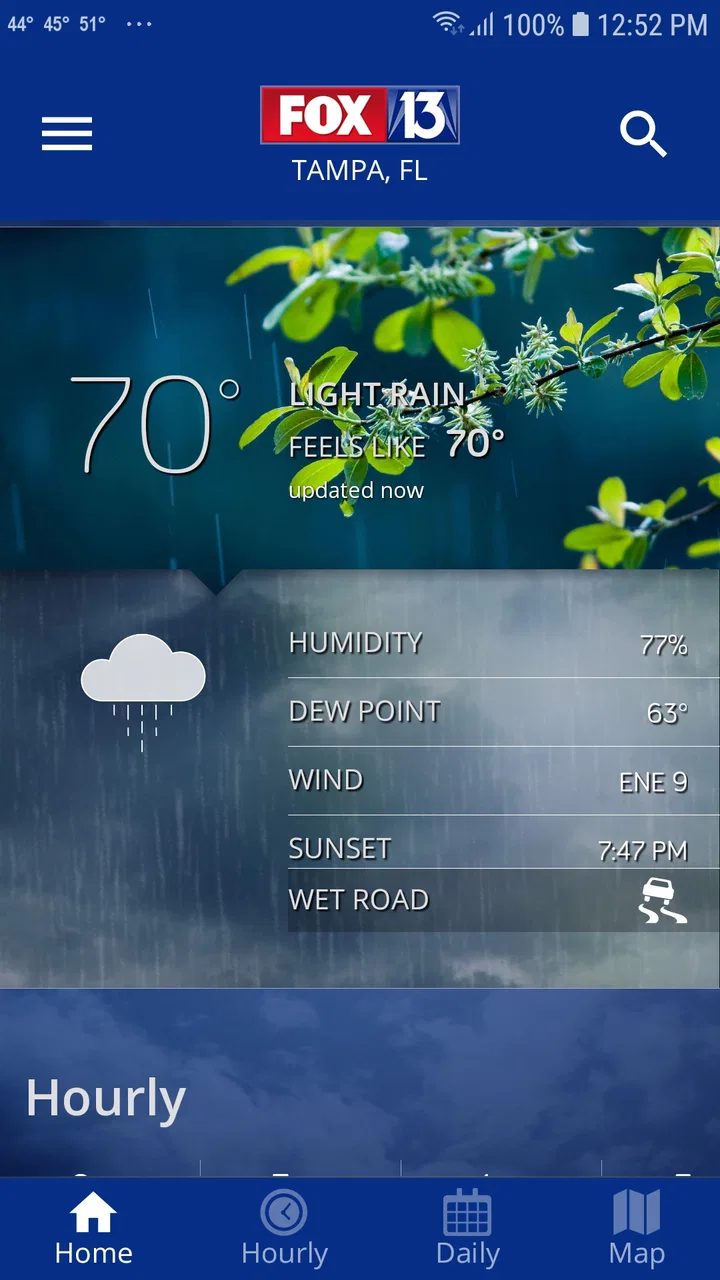
When I want a quick read on conditions around Tampa rather than a wall of weather information, FOX 13 Tampa: SkyTower Weather makes a strong case for staying installed. I found its biggest value in the local focus: it is built around FOX 13 Tampa forecasts, radar, and alerts, so the experience feels more relevant to people who actually live in the area than a broad international weather app.
My overall view is positive, but not unconditional. This is a practical weather app from Fox Television Stations, Inc., and it is free to use, with an Everyone content rating. It is best when I need a local forecast quickly, want to watch conditions develop on radar, or would rather receive weather warnings than remember to check manually. It is less convincing for someone who wants a highly customizable weather dashboard, extensive worldwide coverage, or a deep collection of climate statistics.
Why the local approach works so well
The app’s main advantage is focus. Instead of trying to be a general-purpose weather platform for every city on earth, it centers the FOX 13 Tampa weather experience. That makes the information easier to approach when my question is simple: should I leave now, postpone an outdoor plan, or prepare for changing conditions?
You May Also Like

 Blood Strike: 2.5 Anniversary
Blood Strike’s Loadouts Turn Every Drop Into a Tactical Gamble
A close look at Blood Strike’s custom loadouts: how fast access to signature weapons reshapes its battle royale rhythm, rewards preparation, and narrows the gap between fights.

 Pandora - Music & Podcasts
Pandora’s Music Is Easy to Start, but Harder to Recover
Pandora’s strength is its low-effort path from a seed to a station. Its weak spot is how much confidence it asks you to place in connection, setup, and quiet recovery.

 8 Ball Pool
 Is Built on Rivalries, Rematches, and Routine
A close look at the rivalries, rematches, shared routines, and unanswered safety questions that turn a quick pool match into a persistent mobile community.

 Samsung Music
’s Quiet Strength Is Playing What You Already Own
Its reach comes less from spectacle than from dependable access to a personal library. That simplicity is both the app’s strongest retention engine and its ceiling.

 AccuWeather: Weather Radar
AccuWeather Review: A Quick, Clear Forecast for Everyday Decisions
For everyday plans, the best forecast is the one you can understand quickly. AccuWeather makes rain timing, radar, and local conditions easy to act on, with a few trade-offs.

 Hill Climb Racing
Why Hill Climb Racing Still Turns Crashes Into One More Run
A tiny car, a bumpy hill and one more upgrade: Hill Climb Racing keeps resurfacing because its simple chaos makes every near-miss feel personal.
More From Our News Desk



I also appreciate that the app brings together three jobs that I normally handle separately: checking a forecast, looking at live radar, and keeping an eye on alerts. That combination matters in Tampa, where a forecast that looks manageable in the morning can become much more important later in the day. A radar view gives me a better sense of what is happening nearby, while alerts help with situations where waiting for a routine forecast update would be a mistake.
The store summary identifies the core experience clearly: forecasts, live radar, and alerts. In practice, that combination gives the app a useful rhythm. I can start with the forecast for planning, move to radar when timing becomes important, and use alerts as a safety net. I do not have to treat every weather check as a research project.
That simplicity is especially helpful on a phone. Weather information is often needed while I am standing at a doorway, getting ready for work, deciding whether to carry equipment outside, or checking conditions before driving. A focused local app has an advantage over a feature-heavy alternative when speed and recognition matter more than endless settings.
Forecasts are most useful when paired with radar
One of my practical tips is to avoid treating the forecast alone as the final answer for a short trip. If I am deciding whether to walk, drive, or start an outdoor task soon, I would check the forecast first and then open the radar. The forecast gives the broad expectation; radar helps me judge whether rain is already approaching or whether a nearby shower may change the timing.
That workflow is more useful than repeatedly refreshing a single temperature number. It also helps avoid a common mistake with weather apps: assuming that a clean-looking hourly forecast means conditions will remain stable everywhere around Tampa. Local radar context can be the difference between leaving confidently and getting caught by a fast-moving change.
The radar is not only valuable during dramatic weather. I found it useful for ordinary decisions such as planning a commute, timing a grocery trip, or choosing when to take a dog outside. Its value comes from helping me answer “when?” rather than only “what?” That is a subtle but important distinction, and it is one reason this app feels more practical than a basic temperature widget.
Alerts turn the app into a background tool
Another strength is that alerts can make the app useful even when I am not actively browsing it. A weather app that only helps after I remember to open it is easy to neglect. Alerts create a second path to useful information: I can check conditions when I choose, but I can also be notified when something deserves attention.
I would use that feature thoughtfully rather than treating every notification as equally urgent. For daily life, alerts can help me decide whether to change a route, secure something outdoors, or adjust a plan. For more serious situations, I would still read the notice carefully and use official emergency guidance when necessary. The app is a helpful channel for awareness, not a replacement for judgment.
A useful habit is to review alerts before starting a long drive or outdoor activity, not only after a notification arrives. That gives me a chance to understand the broader situation rather than reacting to a single message without context. This is where the combination of alerts and radar becomes stronger than either feature by itself.
What the app feels like in everyday use
Imagine a weekday morning in Tampa. I am preparing to leave, and I need a quick answer rather than a detailed meteorological lesson. I open the app, scan the local forecast, and then look at radar because the timing of rain matters more than the day’s highest temperature. If an alert appears, I give it priority and reconsider the plan. That sequence is fast, understandable, and suited to a phone.
Later, if I am planning an outdoor errand, I can repeat the same process without learning a complicated interface. The app’s usefulness comes from this repeatability. I do not need a special workflow for commuting, errands, or casual outdoor plans; the same forecast-radar-alert pattern adapts to each situation.
For families, that can be convenient too. Someone checking conditions before a school run or weekend activity may not want to compare several sources. A local FOX 13 weather app gives the household a shared reference point, especially when everyone is asking whether plans should change.
Where it falls short compared with broader weather apps
The same local focus that makes the app approachable also limits its appeal. If I regularly travel outside the Tampa area, I may prefer a larger weather service with a more consistent experience across many cities and countries. This app makes the most sense when Tampa is the place I care about most, not when my weather needs constantly move from one region to another.
I would also skip it if my priority is deep customization. Some alternative weather apps are designed around elaborate widgets, multiple data layers, long-range climate views, specialized charts, or highly tuned personal dashboards. FOX 13 Tampa: SkyTower Weather is more convincing as a straightforward local information tool than as a complete weather laboratory.
That distinction is important for choosing correctly. A casual user may see the focused layout as a benefit, while an enthusiast may find it restrictive. I would not install it expecting to replace every weather-related tool on my phone. I would install it because I want a convenient Tampa-centered source for forecasts, radar, and alerts.
There is also a small mental trade-off in relying on a local broadcast weather app. The experience is tied to the way FOX 13 presents weather information, which may not match the preferences of someone who wants to compare several forecasting models or providers. For ordinary planning, that is not a serious problem. For highly specific decisions, I would want to cross-check with another trusted source rather than assume one app can answer every question.
Who should install it
I think this app is a good fit for Tampa residents, people who spend much of their time in the area, and anyone who wants local weather information without building a complicated setup. It is also a sensible choice for users who value radar and alerts as much as the basic forecast. The free price removes the usual barrier to trying it, and the Everyone rating makes it suitable for a broad household audience.
It should appeal to someone who checks weather several times a day but does not want to spend time tuning dozens of preferences. The app is also useful for people who tend to forget to check conditions until the last minute, because alerts can bring important changes to their attention.
I would be more cautious about recommending it to frequent travelers, weather hobbyists, and users who want a single app covering many countries with extensive comparison tools. Those people may be happier with a broader alternative. The right question is not whether this is the most feature-packed weather app available; it is whether a local FOX 13 experience matches the way you make weather decisions.
Compatibility, maturity, and everyday expectations
The app has been available since July 7, 2014, so it is not a brand-new experiment. Its current version is 6.2.513, and it requires iOS 9 or later. That older minimum operating-system requirement makes it accessible to users on older compatible Apple devices, although I would still keep the device software updated whenever possible for general security and reliability.
Its audience is established rather than tiny. The app has passed 100 thousand installs, holds an average rating of 4.1 from around 2.9 thousand ratings, and has received roughly 835 written reviews. I do not read those figures as proof that every user will love the interface, but they do suggest that the app has found a real audience beyond a handful of early testers.
Because it is free, I can judge it mainly on convenience rather than subscription value. That is a meaningful advantage for a local weather tool: I can try it during a period when weather matters, keep it if the workflow suits me, and remove it if I prefer a broader service. The low commitment makes experimentation easy.
My advice before depending on it is simple: open the app during a normal day, check the forecast, inspect the radar, and see whether the alert behavior fits your routine. Weather apps are personal tools. A layout that feels clear to me may feel too limited to someone who wants dense data, while a highly detailed alternative may feel unnecessarily busy to a person who only needs a local answer.
Three practical habits that improve the experience
First, use radar for timing rather than decoration. Many people open a radar screen, glance at the colors, and close it without asking what decision the image should support. I get more from it when I compare the radar with my planned departure or activity time. That turns a visual feature into a practical planning tool.
Second, treat alerts as prompts to investigate, not as complete explanations. When an alert appears, I would open the app, read the relevant details, and look at the surrounding radar situation. This reduces the chance of reacting to a notification without understanding whether it affects my route, neighborhood, or schedule.
Third, keep a second source in mind for unusual or high-consequence situations. That is not a criticism unique to this app; it is sensible weather practice. For routine errands, the local forecast and radar may be all I need. For dangerous conditions, travel far from Tampa, or decisions involving safety, I would compare information and follow official instructions.
These habits also reveal the app’s proper role. It is strongest as a fast local companion that helps me notice conditions and make everyday choices. It is not necessarily the best single source for detailed analysis, global travel, or specialized forecasting.
My verdict for Tampa weather users
After using it as a local weather companion, I see FOX 13 Tampa: SkyTower Weather as a focused and sensible choice rather than an all-purpose weather powerhouse. Its strongest evidence is the way forecasts, live radar, and alerts work together around Tampa. That combination supports real decisions: when to leave, whether to reschedule, and when changing weather deserves closer attention.
The meaningful weakness is equally clear. Users who want extensive customization, worldwide coverage, or advanced comparison tools may outgrow it. The app’s local identity is a strength for Tampa residents and a limitation for everyone else.
For me, the recommendation is straightforward: if Tampa is your home base and you want a free, accessible weather app that keeps local conditions close at hand, I would try it. The 4.1 average and established user base make it a reasonable starting point, but the final test is personal: see whether its forecast-radar-alert workflow fits the way you plan your day. If it does, this app earns a useful place on your phone without trying to be more complicated than it needs to be.
FAQs for FOX 13 Tampa: SkyTower Weather
01What features does the FOX 13 Tampa: SkyTower Weather app offer?
The FOX 13 Tampa: SkyTower Weather app provides real-time weather updates, live radar, and storm tracking. Users can access hourly and extended forecasts, along with severe weather alerts. The app also features a high-resolution interactive map, allowing users to personalize their weather experience based on location.
02How accurate is the weather forecasting in the FOX 13 Tampa app?
The app utilizes advanced meteorological technology, including the SkyTower Radar, to deliver highly accurate weather forecasts. It provides real-time updates and alerts, ensuring users receive the latest information. The accuracy can vary depending on rapidly changing weather conditions, but it generally offers reliable forecasts for the Tampa Bay area.
03Is the FOX 13 Tampa: SkyTower Weather app free to use?
Yes, the app is free to download and use on both Android and iOS devices. While it provides comprehensive weather data and alerts at no cost, keep in mind that data charges may apply depending on your mobile plan when using the app outside of Wi-Fi.
04Can I customize weather alerts in the FOX 13 Tampa app?
Absolutely, the app allows users to customize weather alerts to suit their preferences. You can set alerts for severe weather events, daily forecasts, and breaking news. This customization ensures you receive notifications only for the events and updates that matter most to you.
05Does the FOX 13 Tampa app require location access to function?
While the app can function without location access, enabling it enhances the user experience by providing localized weather information and alerts. Location access allows the app to deliver accurate forecasts and alerts specific to your current area, ensuring you stay informed about local weather conditions.
Pros
- Accurate local weather forecasts.
- Real-time radar updates.
- Customizable alert settings.
- User-friendly interface.
- Detailed hourly weather data.
Cons
- Ads can be intrusive.
- Limited international coverage.
- Occasional app crashes.
- Requires frequent updates.
- Some features need internet access.

FOX 13 Tampa: SkyTower Weather
Gallery